

When you’re launching a WordPress website, the first question that comes up is almost always the same: Where do I host it?
A quick Google search floods you with options: shared hosting for $2.99/month, managed WordPress hosting for $12 or more, VPS plans, cloud hosting, and everything in between. The price difference alone is enough to make most people default to the cheapest option.
But the cheapest option isn’t always the most cost-effective one. In this post, we’ll break down exactly what shared hosting and managed WordPress hosting actually give you, so you can make an informed decision for your business.
What Is Shared WordPress Hosting?
Shared WordPress hosting is exactly what it sounds like: your website lives on a server alongside hundreds (sometimes thousands) of other websites. All of those sites share the same CPU, RAM, and storage.
It’s the entry-level option for a reason. It’s affordable, easy to set up, and fine for a personal blog or a project that gets very little traffic.
The problem starts when your site actually needs to perform.
What Is Managed WordPress Hosting?
Managed WordPress hosting is a service built specifically for WordPress. Instead of giving you a generic server and letting you figure it out, managed hosting providers handle the technical layer for you: server configuration, performance optimization, security, updates, and monitoring.
Think of it as the difference between renting a bare apartment (shared hosting) and renting a fully furnished one with a property manager on call (managed hosting).
With managed WordPress hosting, you get:
- A server environment optimized for WordPress
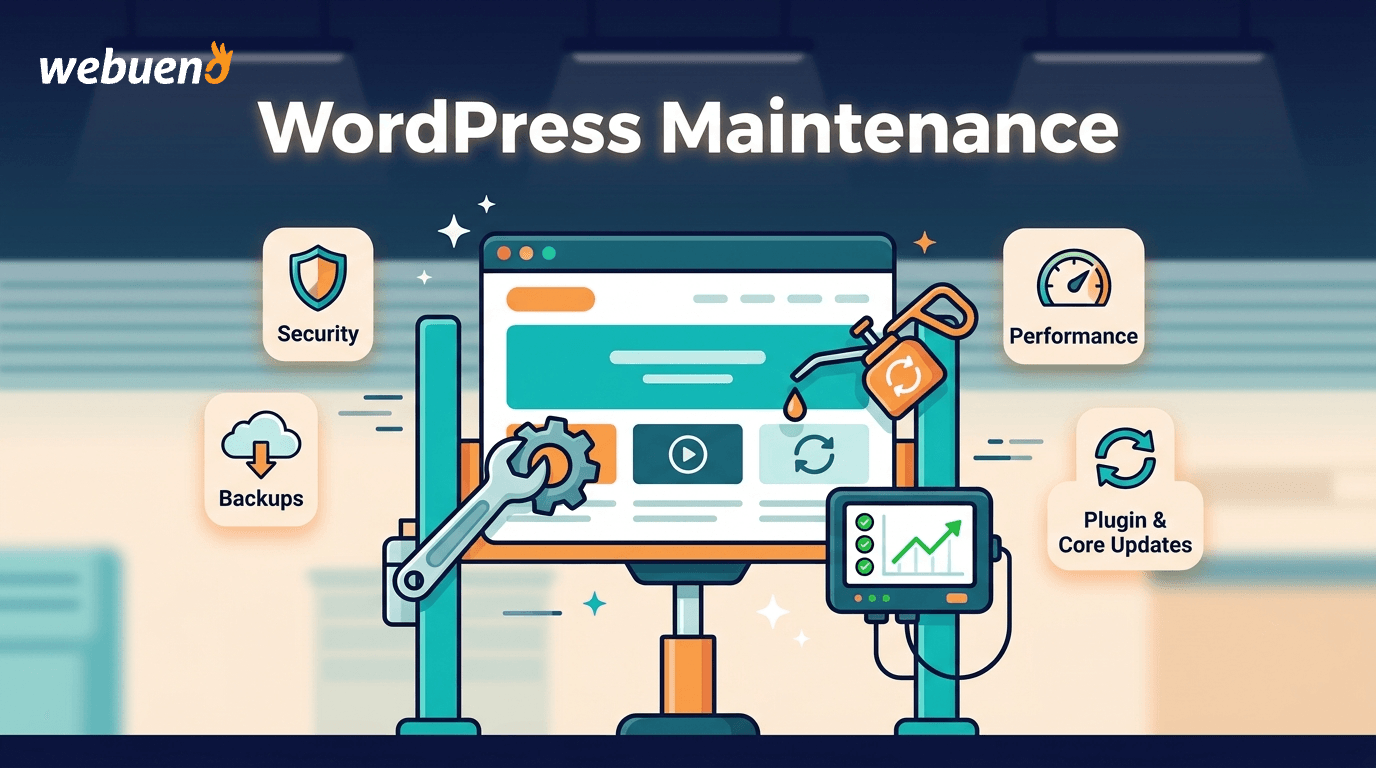
- Core and plugin updates handled as part of your maintenance plan
- Built-in caching and performance tools
- Regular backups
- Security monitoring
- Expert support that knows WordPress specifically
The Key Differences
Not all hosting plans are created equal. Here is a breakdown of the five areas where shared and managed WordPress hosting differ the most, and why each one matters for your business.
1. Performance
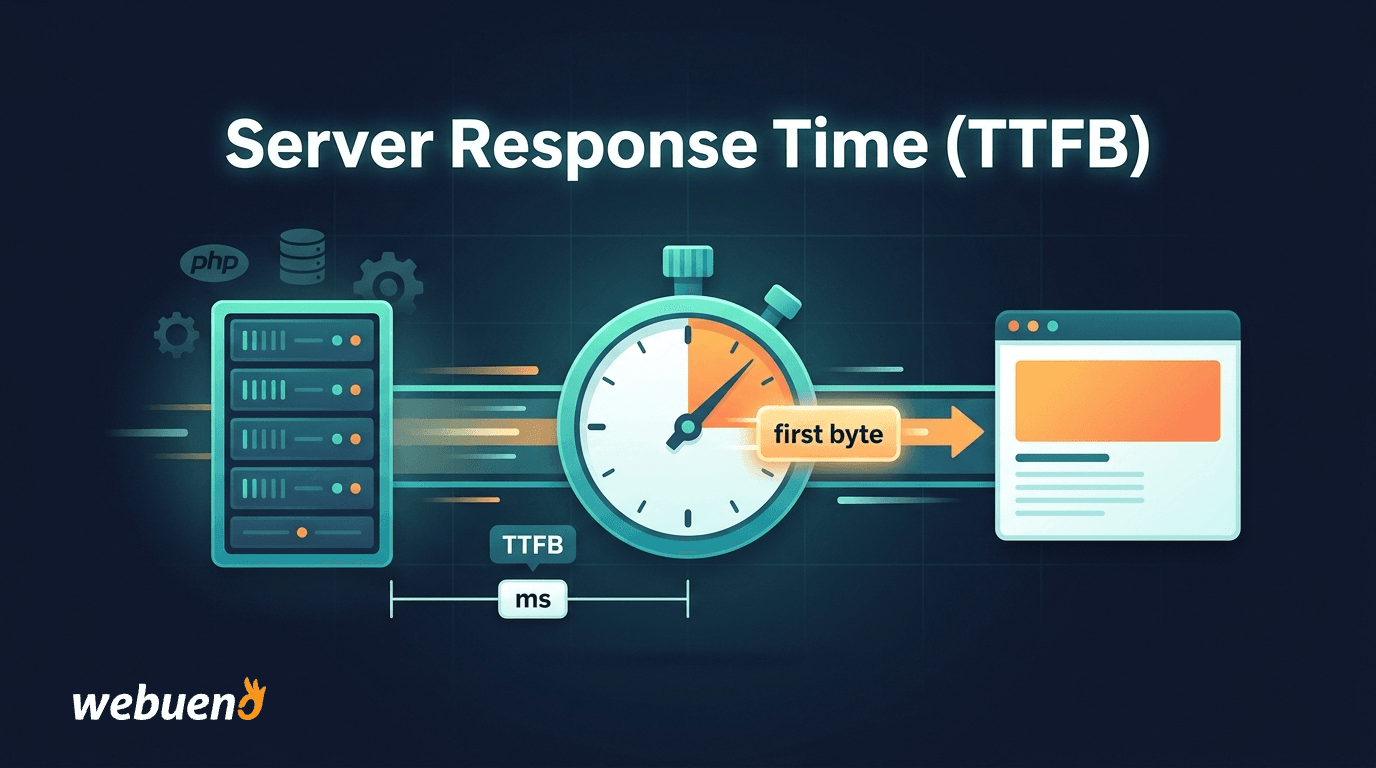
On shared hosting, your website’s speed depends on what everyone else on that server is doing. If a neighboring site gets a traffic spike, your load times slow down, even if no one is visiting your site.
With managed WordPress hosting, you get dedicated resources. At Webueno, each site runs on its own server, powered by DigitalOcean infrastructure, so traffic on other sites never affects yours. Combined with Redis caching and a server stack built for WordPress, the performance difference is significant.
2. Security
Shared hosting creates a security problem that most people don’t think about: if one site on the server gets hacked or infected with malware, there’s a real risk that other sites on the same server are affected too. This is called cross-site contamination, and it’s more common than hosting providers like to admit.
With managed hosting, your site is isolated. Webueno includes a built-in Malware Scanner on every hosting plan, and if something does go wrong, the Malware Cleanup service is there to fix it.
3. Updates and Maintenance
On shared hosting, you’re responsible for keeping WordPress, your plugins, and your theme up to date. Most site owners don’t do this consistently, and outdated plugins are one of the leading causes of WordPress hacks.
With managed hosting, updates are handled by professionals as part of a structured maintenance cycle, whether that’s daily, weekly, or monthly, depending on your plan. Webueno’s Maintenance service covers plugin and core updates alongside routine health checks, so nothing gets updated blindly and every change is controlled.
4. Support
This is where the gap between shared and managed hosting becomes most obvious in day-to-day use.
Shared hosting support is generic. The support team knows servers, not WordPress. When something breaks on your site (a plugin conflict, a white screen of death, a broken checkout), you’re often on your own, or waiting in a queue for someone who will send you a link to a generic help article.
Managed WordPress hosting support is specialized. The people helping you know WordPress. They can diagnose plugin conflicts, investigate performance issues, and fix things that generic support teams would escalate indefinitely.
5. Backups
Shared hosting plans often offer backups, but they’re not always daily, not always reliable, and sometimes cost extra. Restoring from a backup is usually a manual process.
Managed hosting includes daily backups as a standard feature, not an add-on. If something goes wrong, restoring your site is fast.
What About the Price?
This is the honest part.
Shared hosting at $3–5/month sounds like a bargain. But add up what you’re not getting:
- No dedicated resources (performance drops under load)
- No malware isolation
- No WordPress-specific support
- No systematic update management
- Backups that may not be reliable
When something goes wrong (and eventually, something always does), the cost to fix it often far exceeds what you would have paid for managed hosting over an entire year.
Webueno’s managed WordPress hosting starts at $12/month. That includes one site per server, Redis caching, a firewall, live and staging environments, daily backups, uptime monitoring, and a malware scanner. For a business that depends on its website, that’s not a cost. It’s insurance.
When Does Shared Hosting Still Make Sense?
Shared hosting isn’t inherently bad. It still makes sense if:
- You’re building a personal blog or portfolio with no commercial intent
- You’re testing an idea before investing in a proper setup
- Your site gets very little traffic and has no sensitive data
If you’re running a business (a law firm, an e-commerce store, a service company, or an agency), shared hosting is a liability, not a savings.
Real-World Scenarios: Which Hosting Fits Your Situation?
The specs are one thing. Let’s put them in context.
Scenario 1: A local service business (plumber, dentist, law firm). Your site is a lead generation tool. People find you on Google, check your services, and call or fill out a form. You don’t have a developer in-house, and you don’t want to think about hosting. A slow site or a security incident directly costs you, clients. Managed WordPress hosting is the right choice.
Scenario 2: A freelancer testing a portfolio site. You’re experimenting, traffic is minimal, and you’re comfortable handling basic WordPress tasks yourself. Budget matters more than performance right now. Shared hosting is fine for now, with a plan to migrate once you start taking on clients.
Scenario 3: A digital agency managing sites for multiple clients. You need reliability, a staging environment for safe testing, and clean separation between client sites. Shared hosting creates too much risk: one client site going down or getting infected can affect your reputation across the board. Managed hosting is the only option that makes sense at scale.
Scenario 4: An e-commerce store on WooCommerce. Slow load times kill conversions. Every second of delay costs sales. A shared server that bogs down under traffic is a direct revenue problem, not just a technical inconvenience. Managed WordPress hosting with dedicated resources and caching is essential.
When Should You Switch from Shared to Managed Hosting?
Most businesses start on shared hosting and outgrow it. Here are the clear signals that it’s time to make the move:
- Your site is loading slowly, and you’re not sure why
- You’ve had a security incident or a plugin flagged as infected
- You’re spending time on manual updates instead of growing your business
- Your hosting support couldn’t solve a WordPress issue, and escalated it or dropped it
- You’re running WooCommerce or booking systems where downtime directly means lost revenue
- A client or your own analytics shows a high bounce rate that correlates with load time
- You’re an agency and need staging environments to test changes before pushing live
Switching to managed hosting isn’t just a technical upgrade. It’s a decision to stop treating your website as a cost center and start treating it as infrastructure that needs to work reliably.
Summary: Shared Hosting vs. Managed WordPress Hosting
| Feature | Shared Hosting | Managed WordPress Hosting |
|---|---|---|
| Server resources | Shared with others | Dedicated per site |
| Performance | Inconsistent | Optimized for WordPress |
| Security | Basic, cross-site risk | Isolated, monitored |
| Updates | Manual | Managed |
| Backups | Varies | Daily, reliable |
| Support | Generic | WordPress-specific |
| Price | $2–10/month | From $12/month |
The Bottom Line
The choice between shared and managed WordPress hosting isn’t really about price. It’s about what your website is worth to your business.
If your site is a core part of how you get clients, make sales, or build credibility, then shared hosting is a risk you probably shouldn’t take.
Webueno’s managed WordPress hosting is built for businesses and agencies that need their sites to be fast, secure, and reliably online, without having to manage the technical side themselves.
Start for free and see what managed hosting actually feels like