

If you run a WordPress website, you have probably hit the moment where something needs fixing, and you are not sure who to call. A page looks broken on mobile. A form stopped sending emails. A plugin update changed something you did not ask it to change. Or you simply need a small edit made today, not in three weeks.
That is exactly the gap WordPress support services exist to fill. This guide explains what they are, what they include, how they differ from maintenance and hosting support, what they cost, and how to tell a good provider from a bad one.
What Are WordPress Support Services?
WordPress support services are on-demand help from WordPress specialists for the things that come up on a live website: fixing errors, making content and design changes, improving speed, solving plugin problems, and answering technical questions.
Think of it as having a WordPress team on call. You send a request, someone who knows WordPress picks it up, and the work gets done without you hiring a developer full-time or learning to code.
Support is reactive and flexible by design. Maintenance keeps your site healthy on a schedule. Support handles everything that does not fit a schedule: the unexpected problem, the quick change, the “can you just…” request.
Support vs Maintenance vs Hosting Support
These three get mixed up constantly, and the confusion costs people money. Here is how they differ.
| WordPress Support | WordPress Maintenance | Hosting Support | |
|---|---|---|---|
| Main purpose | Fix, change, and improve on request | Prevent problems on a schedule | Keep the server running |
| How it works | You submit a request | Recurring tasks run automatically or on a cycle | You contact the host about server issues |
| Typical tasks | Bug fixes, edits, design tweaks, plugin help, speed fixes | Updates, backups, security scans, uptime checks | Server outages, PHP versions, resource limits |
| Covers your site code? | Yes | Yes (updates and monitoring) | Usually no |
| Best for | Changes and problems as they arise | Ongoing protection | Server-level issues only |
The key point: your host will not fix a broken plugin or edit a page for you. A maintenance plan will not usually redesign a section or build a new feature. Support is the layer that handles the work in between. For a deeper look at the maintenance side, read our guide on what WordPress maintenance is.
What WordPress Support Typically Includes
Good support covers the full range of things a live site needs. Here is what to expect.
Troubleshooting and Bug Fixes
- White screens and critical errors
- Plugin and theme conflicts
- Broken forms and email delivery problems
- Login issues and redirect loops
- Database and PHP errors
- Problems after an update
If you are dealing with a specific error, our guide on common WordPress errors and how to fix them covers the most frequent ones. For anything that does not resolve quickly, our WordPress troubleshooting service handles it.
Content Updates
- Editing text, images, and videos
- Publishing new pages and posts
- Updating pricing, hours, and team information
- Setting up banners, popups, and announcements
Design Changes
- Layout adjustments and spacing fixes
- Mobile and tablet responsiveness issues
- Updating buttons, headers, footers, and menus
- Brand refreshes such as new colors and fonts
Speed and Performance
- Page speed audits
- Image compression and lazy loading
- Caching setup and tuning
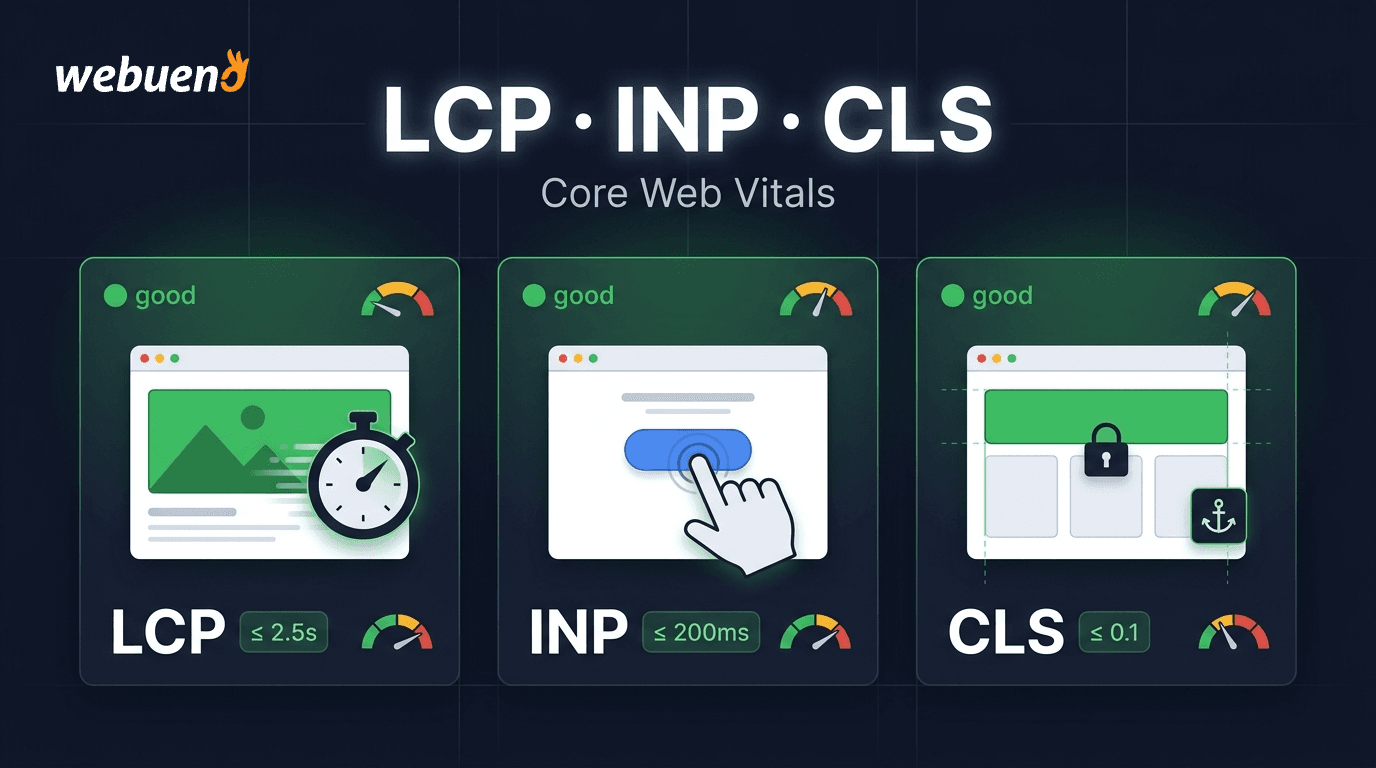
- Core Web Vitals improvements
Security Help
- Malware scanning and cleanup
- Hardening logins and user roles
- Removing suspicious users and files
- Recovery after a hack
Development Work
- Small custom features
- Plugin configuration and integrations
- Custom code snippets
- Third-party tool connections such as CRMs, email platforms, and payment gateways
For larger builds, see our WordPress development service.
Expert Guidance
- Which plugin to use for a specific job
- How to structure a page or feature
- Whether a change is safe to make
- Plain-language answers to technical questions
Types of Support Requests
Not every request is the same, and a good provider treats them differently. Here is how requests usually break down.
| Request Type | Example | Urgency | Typical Time |
|---|---|---|---|
| Emergency | Site is down, checkout is broken, site is hacked | Immediate | Hours |
| Small change | Update a phone number, swap an image, fix a typo | Low | Under an hour |
| Improvement | Speed up a slow page, redesign a section, add a form | Medium | A few hours |
| Guidance | “Which plugin should I use?” “Is this safe to change?” | Low | Short call or reply |
Knowing which bucket your request falls into helps you set expectations. Emergencies should jump the queue. Small changes should be quick and cheap. Improvements deserve a short scope before work begins.
Why You Need WordPress Support
You can run a WordPress site without ever calling a developer, until the day you cannot. Here is why having support lined up matters.
Downtime Costs Real Money
A broken site does not just look bad. It loses leads, sales, and trust every hour it stays broken. Having someone ready to fix it fast is the difference between a 30-minute problem and a lost weekend.
WordPress Changes Constantly
WordPress core, themes, and plugins each update on their own schedules. Most updates are harmless, but any one of them can conflict with another. The more plugins you run, the more likely something eventually breaks.
Your Time Is Worth More Than the Fix
A business owner spending four hours fighting a plugin error is four hours not spent on customers. Handing it off is usually cheaper than doing it yourself, once you count your own time.
Small Problems Become Big Ones
An ignored error, a slow page, or an outdated plugin rarely stays small. Problems compound. Quick support early prevents expensive recovery later.
You Do Not Need a Full-Time Developer
Most sites need developer-level help a few hours a month, not forty hours a week. Support gives you that skill on demand, so you only pay for what you use.
Better Search and Speed Results
Slow pages, broken links, and technical errors hurt rankings and conversions. Ongoing support keeps your site fast, clean, and crawlable, which supports your SEO work instead of undermining it.
Signs You Need Support Right Now
If any of these sound familiar, do not wait.
- Your site is showing errors, a white screen, or a “critical error” message
- Forms, checkout, or booking stopped working
- You see unexpected redirects or content you did not publish
- Pages load slowly or fail Core Web Vitals
- A recent update broke something
- You have a list of small changes that keeps growing
- You are afraid to update plugins because “it might break”
- Your developer disappeared or is unreachable
- Google or your host flagged a security warning
- You are spending more time fixing the site than running the business
Even one of these is enough reason to line up proper support.
How Much Do WordPress Support Services Cost?
Pricing varies widely depending on how support is delivered. These are realistic 2026 ranges.
| Pricing Model | Typical Cost | How It Works | Best For |
|---|---|---|---|
| Hourly | $39 to $150+ per hour | Pay for time used | Occasional, unpredictable needs |
| Monthly retainer | $99 to $999+ per month | Fixed hours or tasks each month | Ongoing, predictable needs |
| Per task | $50 to $500+ per fix | Fixed price per request | One-off problems |
| Credit based | Pay for credits, use as needed | Credits convert to hours of work | Flexible needs without monthly commitment |
What affects the price:
- Complexity of the problem
- Urgency (emergency work often costs more)
- Experience level of the specialist
- Whether the work is ongoing or one-off
- How much documentation and reporting you receive
A useful rule: do not compare headline prices alone. A $39 per hour freelancer who takes six hours to solve what a specialist fixes in one is not cheaper. Look at what is included, how fast they respond, and whether you can see exactly what was done.
DIY vs Freelancer vs Support Service
Once you know you need help, you have three realistic options.
| DIY | Freelancer | Support Service | |
|---|---|---|---|
| Cost | Free, but your time | Moderate | Moderate, predictable |
| Speed | Slow if you are learning | Depends on availability | Usually fast and consistent |
| Skill range | Whatever you know | One person’s skills | A team with different specialties |
| Availability | Whenever you have time | Can disappear or be busy | Backup coverage |
| Accountability | None | Varies | Tracked and documented |
| Risk | Breaking the site | Single point of failure | Lower, with process in place |
| Best for | Simple edits | One-off projects | Ongoing needs and business-critical sites |
Freelancers can be excellent, but you are depending on one person. If they get sick, get busy, or move on, you are starting over. A support service gives you the same expertise with continuity built in.
How to Choose a WordPress Support Provider
Ask these questions before you commit. The answers tell you more than any pricing page.
- How fast do you respond to requests, and is that in writing?
- Who actually does the work, and do they know my site?
- Can I see what was done and how long it took?
- Do you test changes before they go live?
- What happens if a fix breaks something else?
- Do I own my site, my hosting, and my credentials?
- Can I cancel anytime without penalty?
- Do you cover emergencies, and how are they handled?
- What types of work are included, and what is not?
- Do you offer white-label support if I am an agency?
Watch for red flags:
- Vague answers about response times
- No way to track work or see time spent
- Long contracts with no flexibility
- Hosting or accounts held in the provider’s name
- No clear process for urgent issues
- Promises of “unlimited” everything at a very low price
How Webueno Handles WordPress Support
At Webueno, support is built around transparency and flexibility rather than long contracts.
- Requests go through a ticketing system. Every task is logged, assigned, and tracked in one place.
- Time is tracked per task, with screenshot proof of work, so you can see exactly what was done and how long it took.
- Support is credit-based. One credit equals one hour of work; you buy credits upfront, and you use them as needed. No long-term contract and no monthly minimum.
- Our terms commit to responding to every ticket within 12 hours.
- The service covers content updates, error and bug fixes, design, expert guidance, speed performance, and development, all handled by the same team.
- Bigger credit packages lower the price per hour, with discounts of up to 21%.
- For agencies, everything is available white-label, so you can offer support to your own clients under your brand and keep the margin.
Because we also provide managed hosting, maintenance, and WordPress development, your support requests are handled by a team that already understands the full environment your site runs in.
Support Is What Keeps Your Site Moving
A website is never finished. Things break, goals change, plugins update, and new ideas come up. The question is not whether you will need help, but whether help will be ready when you do.
The right WordPress support service gives you speed when something breaks, flexibility when you just need a quick change, and clarity about what you are paying for. Choose a provider that tracks its work, responds fast, and lets you leave cleanly if it is not a fit.
If you want a team that handles errors, edits, speed fixes, and development without long contracts or vague invoices, Webueno’s support service is built exactly for that.
Get WordPress support without the guesswork.
Frequently Asked Questions
What are WordPress support services?
WordPress support services are on-demand help from WordPress specialists for fixing errors, updating content, adjusting design, improving speed, solving plugin problems, and answering technical questions on a live site.
What is the difference between WordPress support and maintenance?
Maintenance is preventive and runs on a schedule: updates, backups, security scans, and monitoring. Support is reactive and on demand: fixing problems, making changes, and handling requests as they come up. Many sites benefit from both.
Does my hosting provider include WordPress support?
Usually not in the way people expect. Hosting support covers the server: outages, resource limits, and server settings. It typically does not cover fixing a broken plugin, editing pages, or troubleshooting your theme.
How much do WordPress support services cost?
Hourly rates commonly range from about $39 to $150 or more. Monthly retainers range from roughly $99 to $999 or more. Credit-based services let you pay only for the hours you use. The right model depends on how predictable your needs are.
How fast should a support provider respond?
For general requests, within one business day is reasonable. For emergencies like a site being down, you want a response within hours. Always ask for response times in writing.
Can I get support for a site I did not build?
Yes. Good support providers work on existing sites regardless of who built them. They review the setup first, then handle your requests.
Do I need a monthly plan to get support?
Not always. Some providers require monthly contracts, while credit-based and hourly models let you pay only when you need help. If you only need occasional updates, a flexible model usually costs less.
Can agencies use WordPress support services for their clients?
Yes. Many agencies use white-label support to handle client requests without hiring in-house developers. The agency keeps the client relationship and sets its own pricing, while the support team does the work behind the scenes.